Features
Everything a dealer and its workshop need, in one system your whole team signs in to.
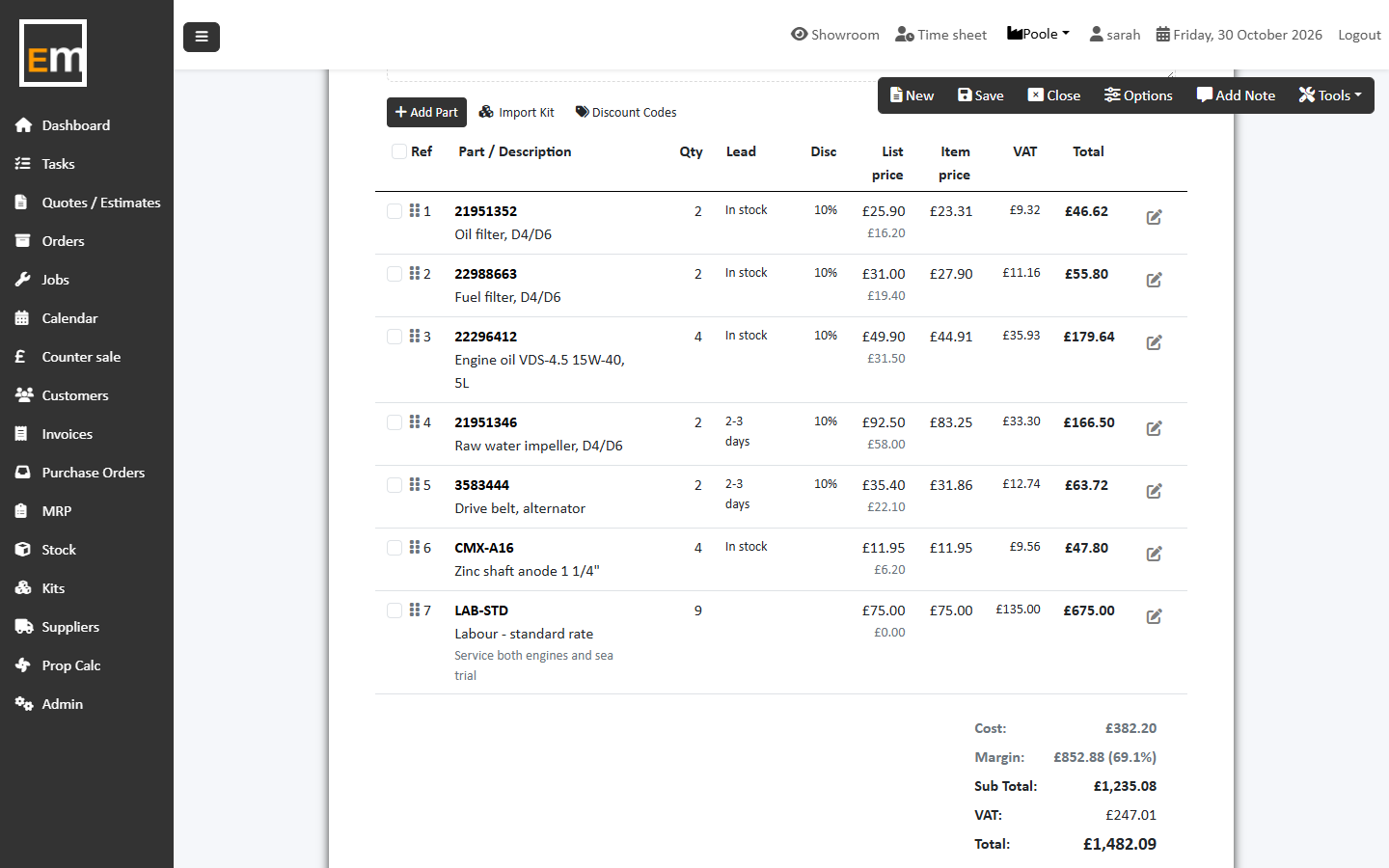
Quotes and orders
From the first enquiry to a confirmed order, priced from your stock file and manufacturers' price lists.
- Quotes or estimates with kits, options and printed or emailed PDFs
- Convert a quote to an order or a job
- Sales orders with picking, dispatch, delivery notes and labels
- Copy an order or job for the same customer or another one
- Tick Notify customer on a note and it's emailed to them too
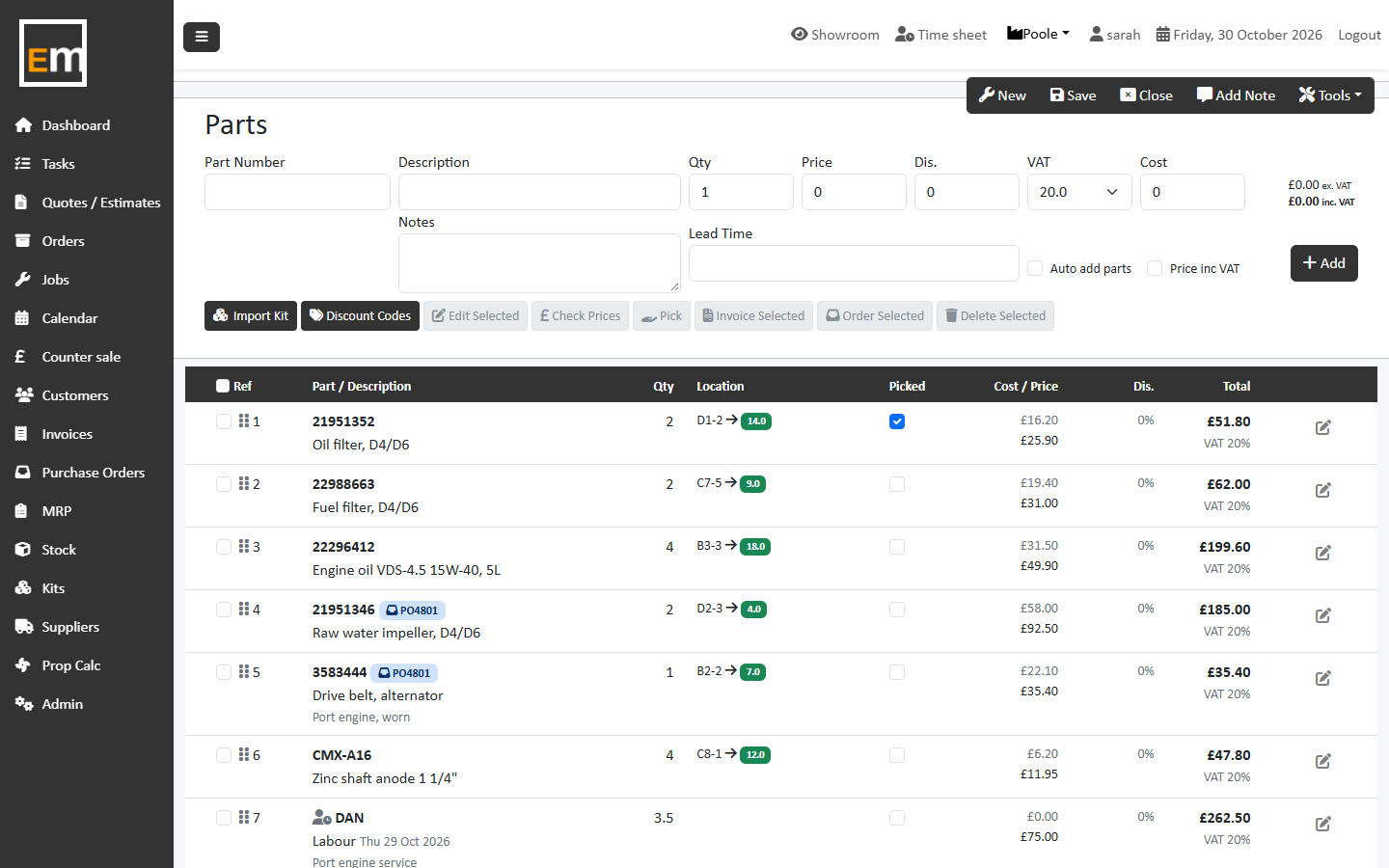
Workshop jobs
Everything about a job in one place, from booking it in to the invoice.
- Job cards with tasks, observations, parts, labour and mileage
- Job labels with a QR code that opens the job
- Ready to invoice hand-over and warranty jobs
- Customer job reports
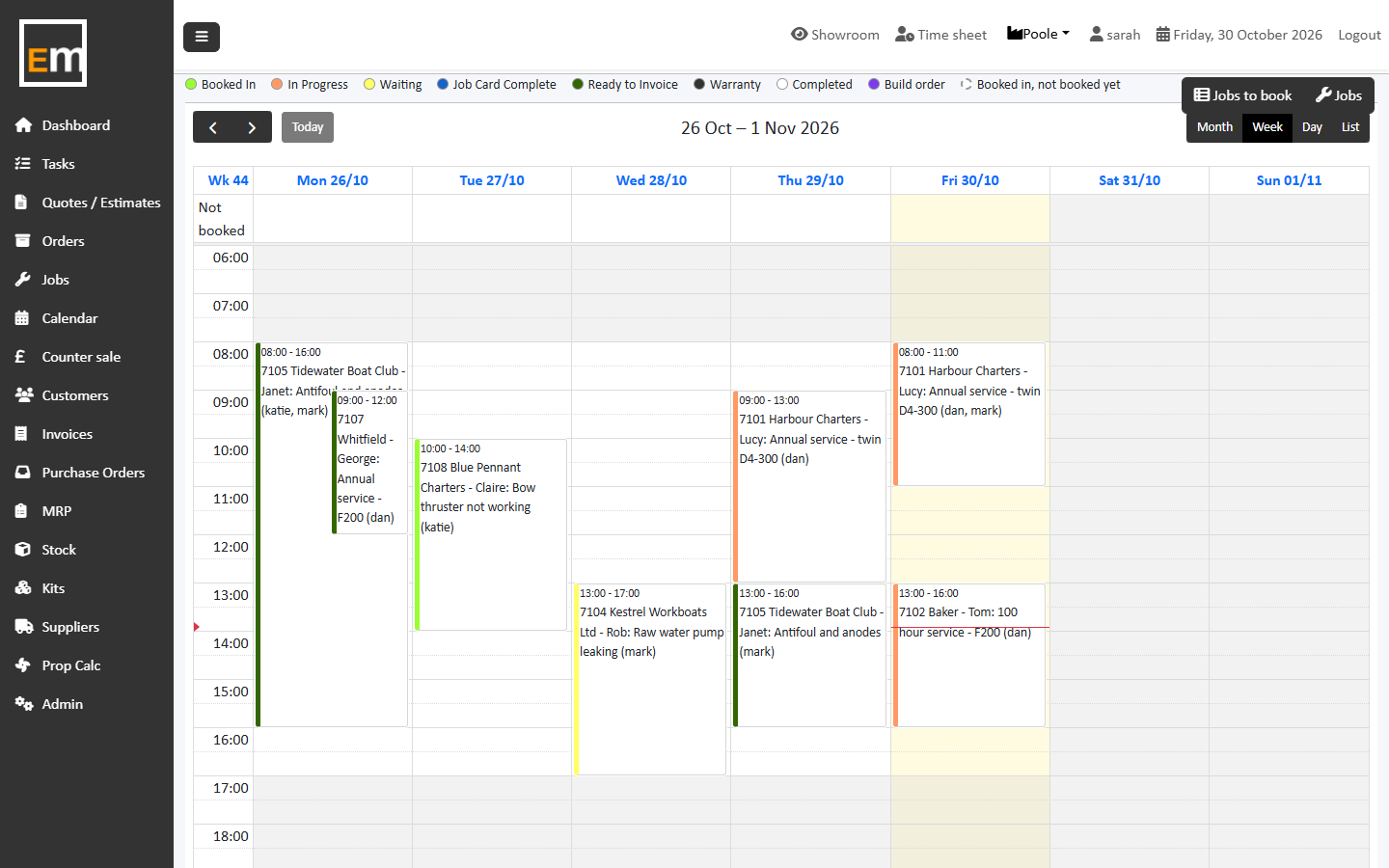
Workshop calendar
Every booking on one calendar, so you can see who's doing what and when.
- By month, week, day or list, for each engineer and branch
- Drag a booking to move it, or stretch it to change how long it takes
- Colour by job status or by engineer
- Jobs still to book, ready to drag on
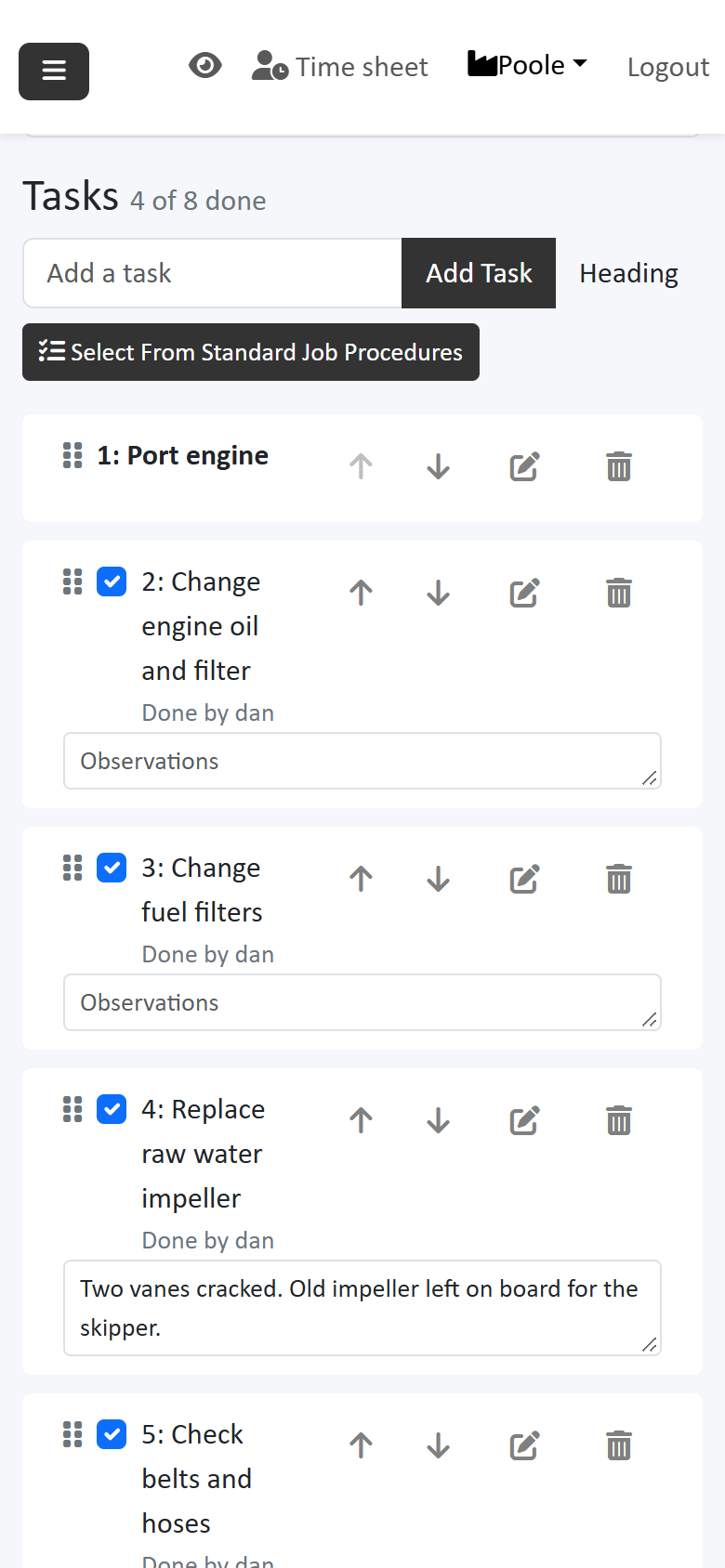
In the workshop
Enquiry Manager works on a phone or tablet, so it goes where the work is.
- Works on a phone or tablet
- Open a job from the QR code on its label
- Tick off tasks and add what you found as you go
- Book time to jobs from the time sheet
Customers
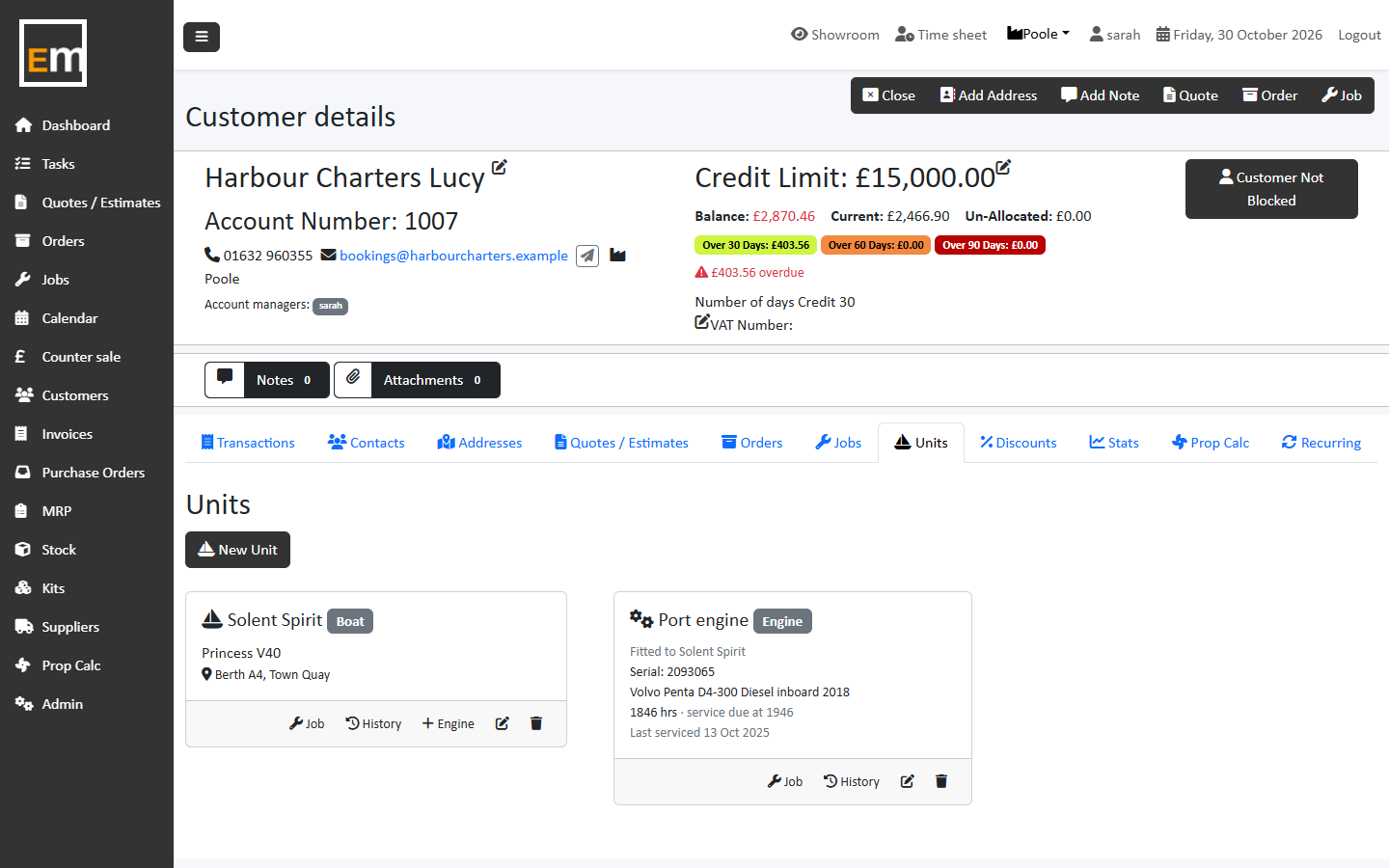
One record for each customer, with their boats and engines and where their account stands.
- Contacts, addresses and notes
- Boats, engines and drives with their service history
- Credit accounts, limits and blocking
- Customer discounts by discount code
- Account managers, assigned to each new quote, order and job
Parts and stock
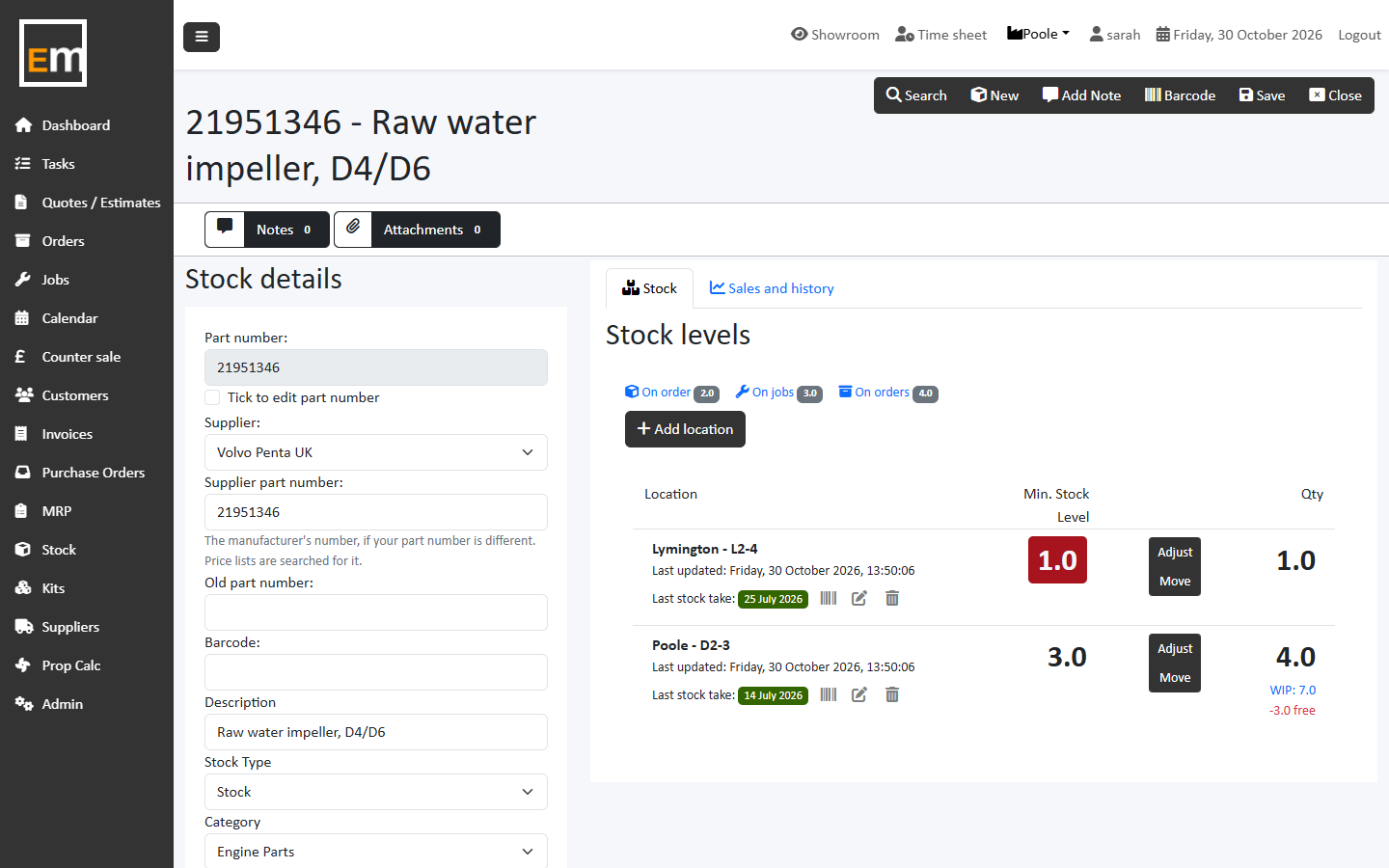
What you have, where it is and what's on order, at every branch.
- Stock file with locations at each branch
- Serial-numbered units, kits and assemblies
- Manufacturer price lists and price checks, in other currencies at your own exchange rates
- Old part numbers followed to the latest part
- Pack sizes from the price list through to the purchase order
- Stock take, low stock and valuation reports, barcode labels
Purchasing
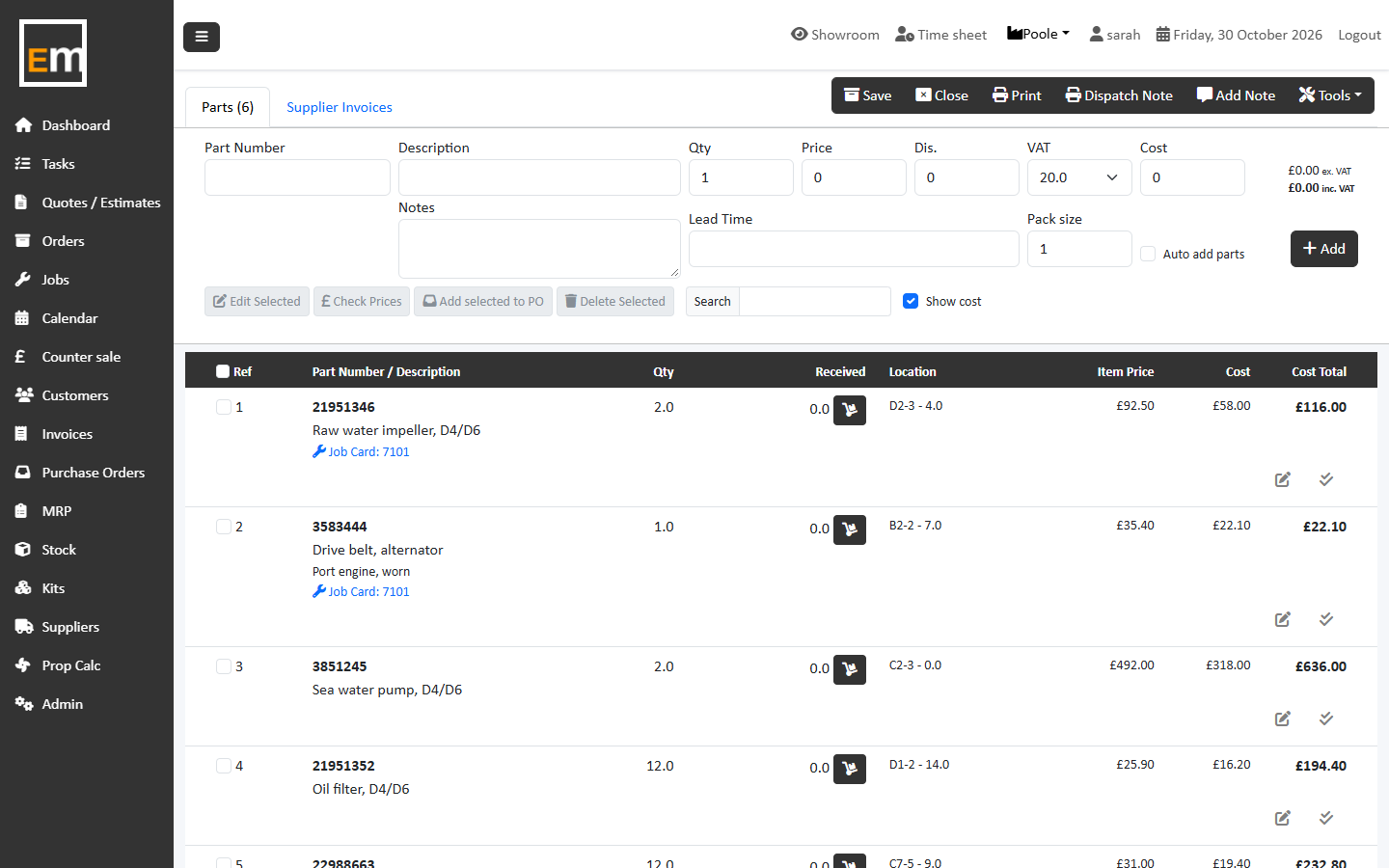
Order what you need and book it in against the job or order it's for.
- Purchase orders, branch requests, engine orders and returns
- Stock or express orders, each costed at the right discount
- Order parts straight from a sales order or job
- Book in against the order or job it's for
- Back orders and supplier invoices
- What you've spent with each supplier and your top parts, by month and year
Invoices and accounts
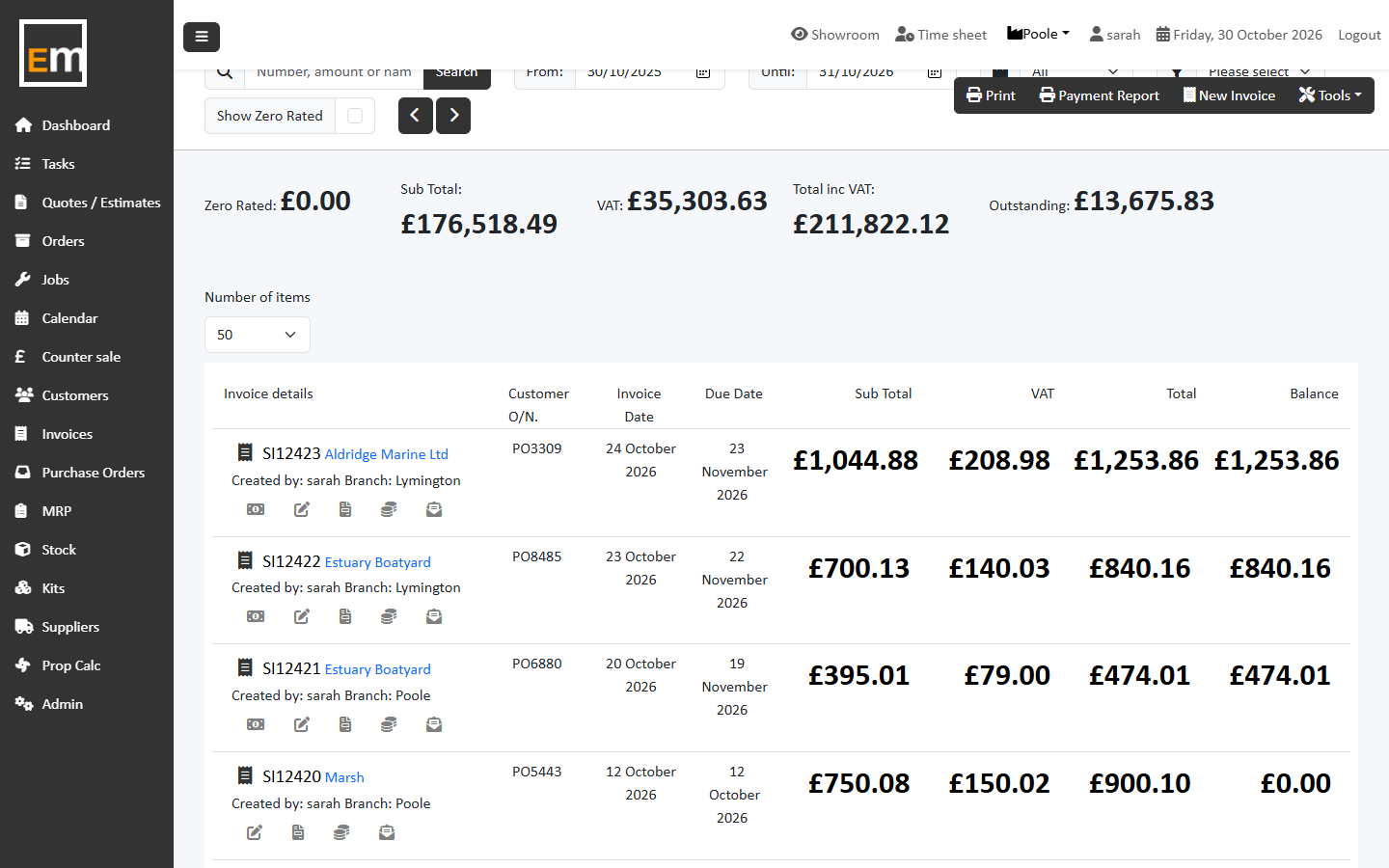
VAT invoices, payments and customer accounts, kept in step with your accounts package.
- Invoices and credit notes with VAT
- Payments, allocations, refunds and statements
- Aged debt, bad debts and credit checks
- Invoices, payments and supplier bills sent to Xero or QuickBooks, automatically if you like
- Bring customers and stock in from Xero or QuickBooks, and keep customers' details in step
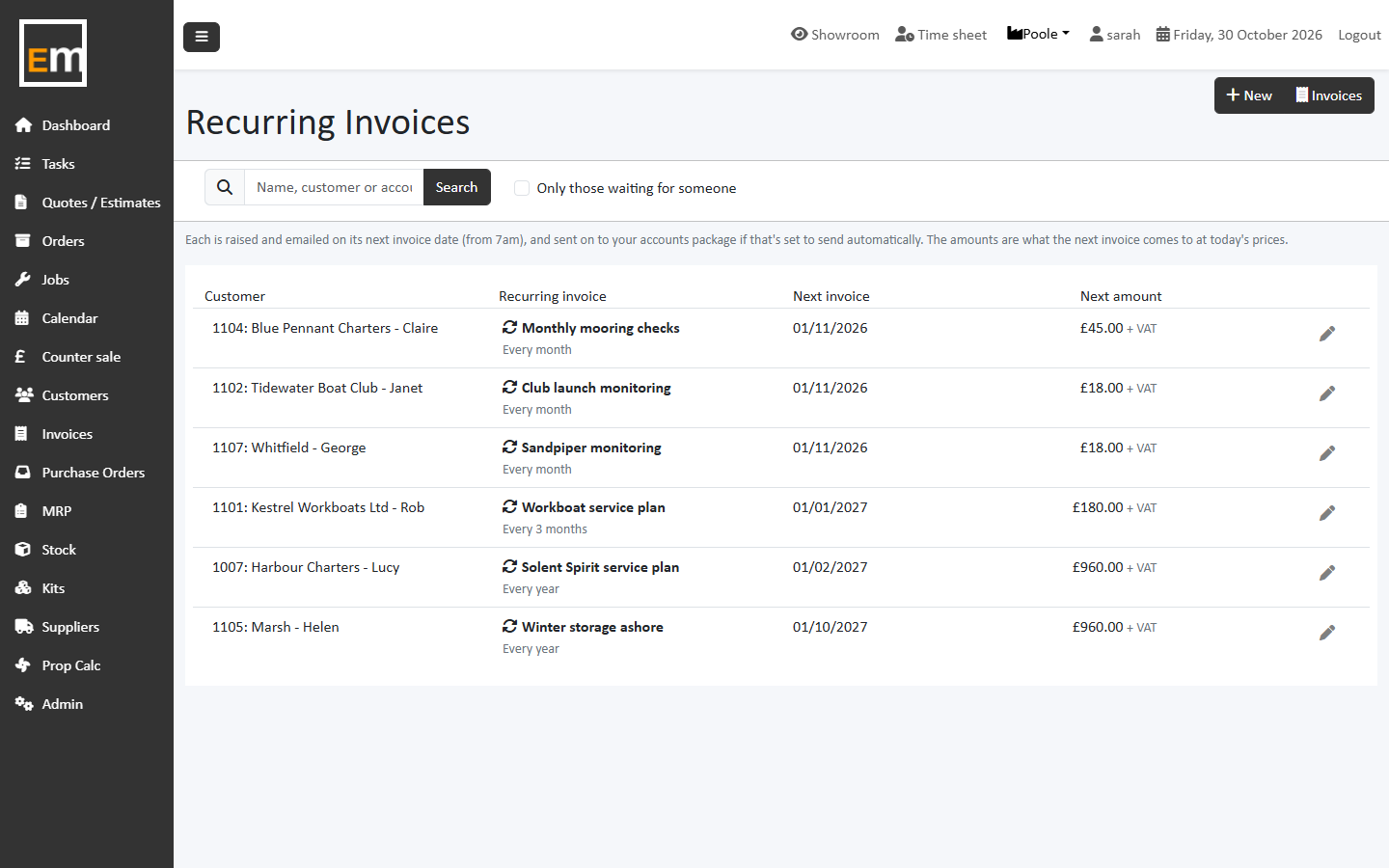
Recurring invoices
Service plans, subscriptions and storage, invoiced without anyone having to remember.
- Every so many months or years, on the day you choose
- Raised and emailed to the customer for you
- Sent on to Xero or QuickBooks if that's set to send automatically
- Your accounts email gets a note of what went out
Dashboard
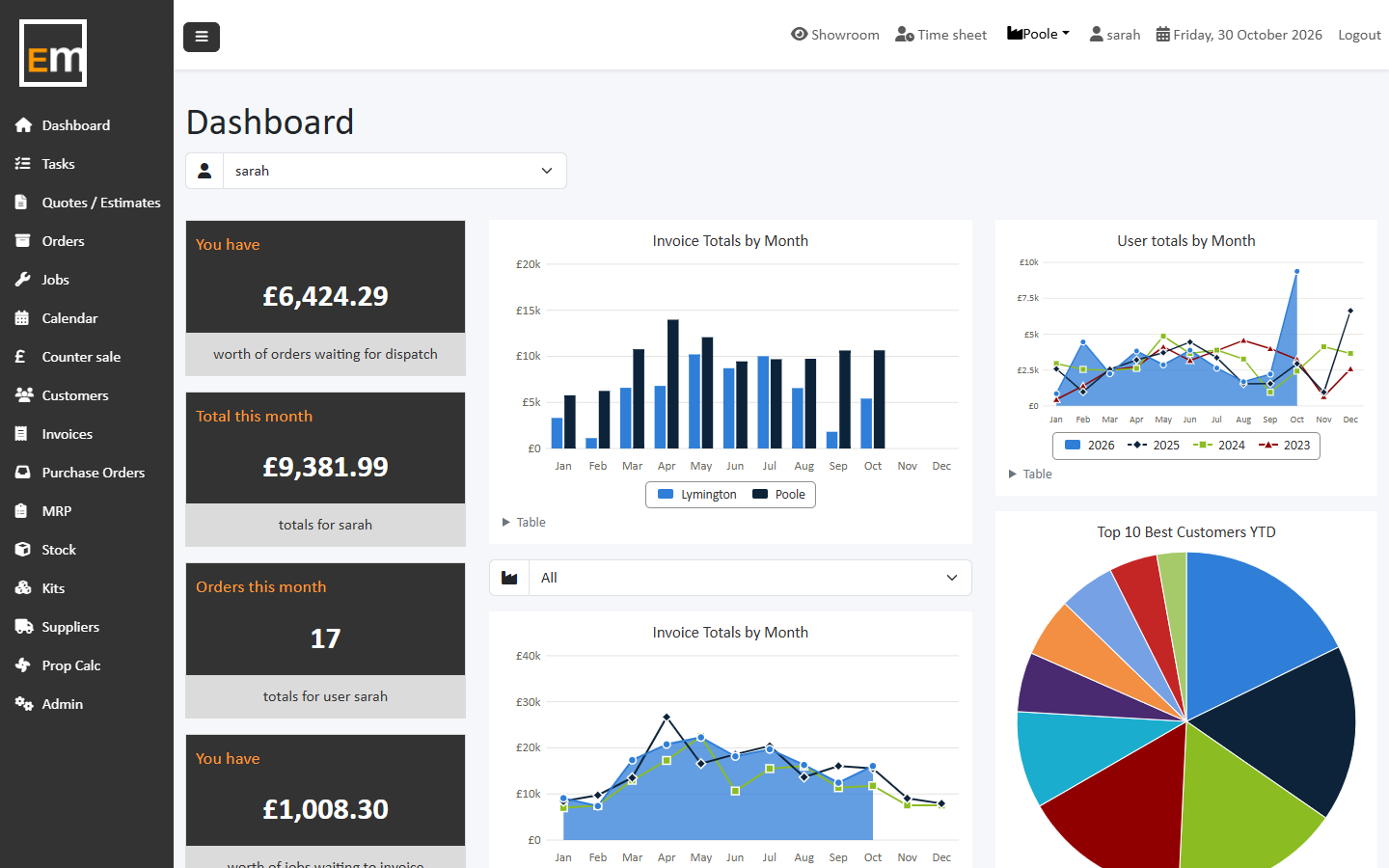
How the business is doing, at a glance.
- Orders waiting to dispatch and jobs waiting to invoice
- Sales by month, by branch and by user
- Your best customers this year
Add-ons
Optional extras for the businesses that need them, charged separately. Ask us and we'll switch them on for you.
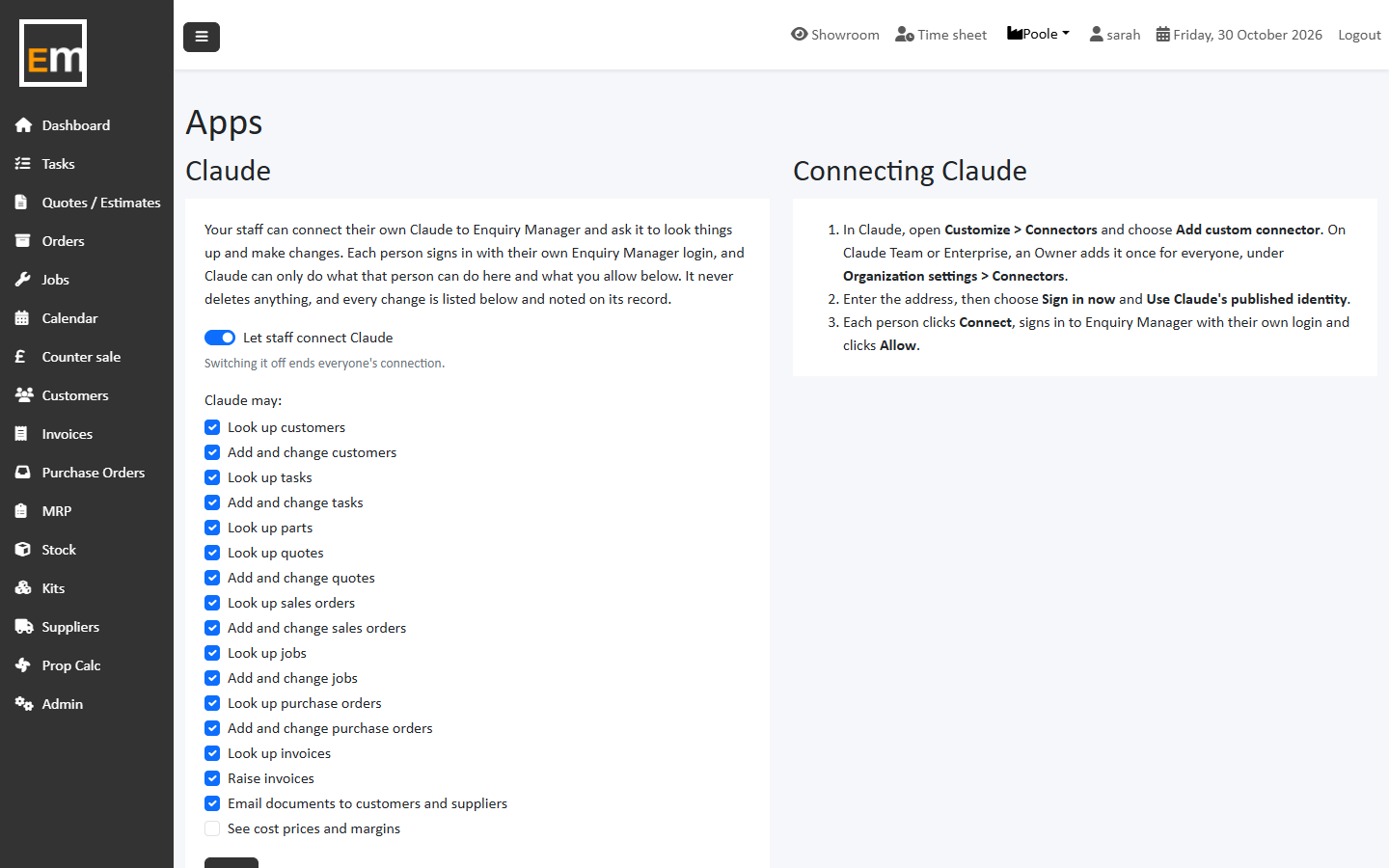
Customer portal
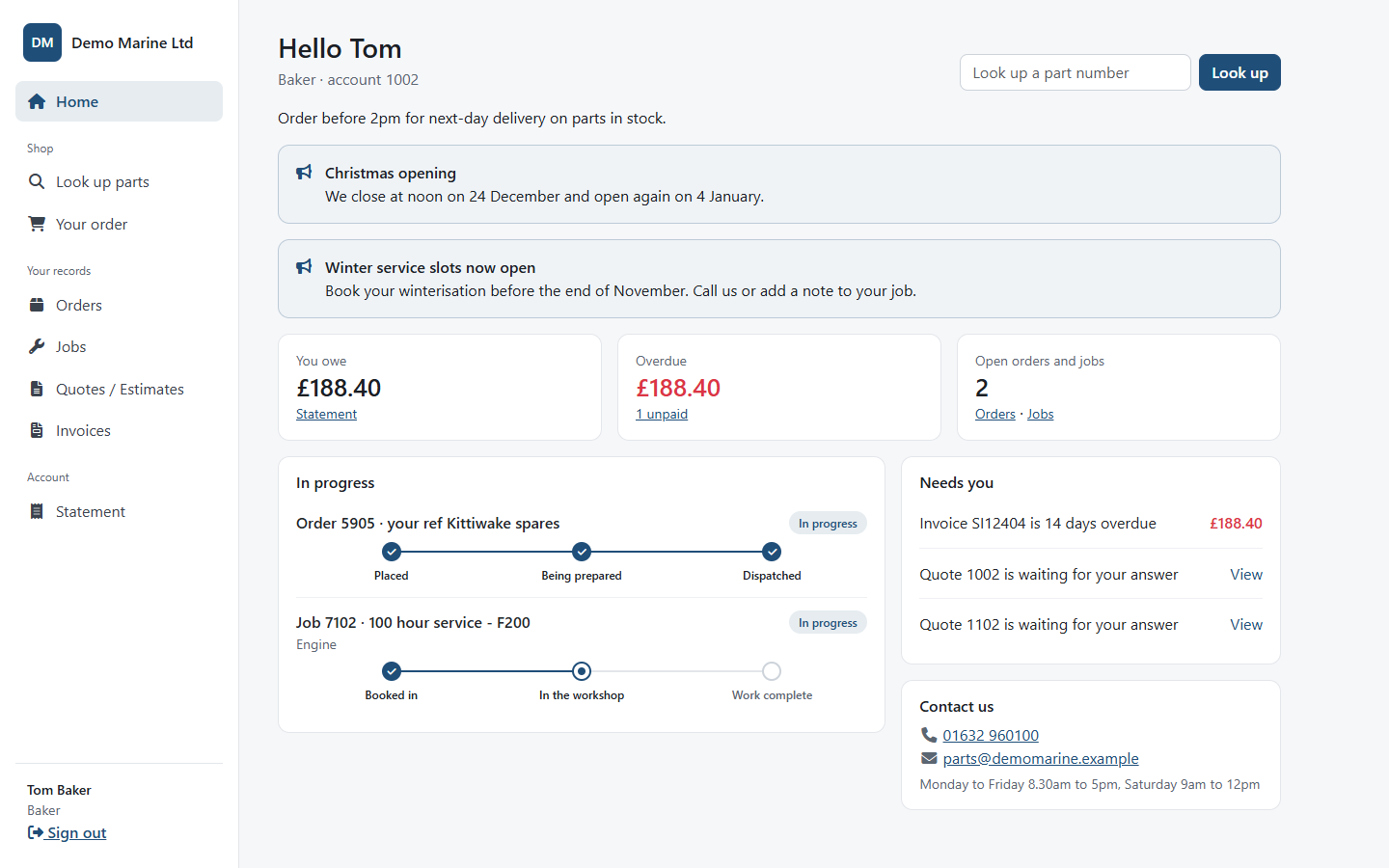
Your customers get their own place to see their account and order parts, at your own web address, on a computer or phone.
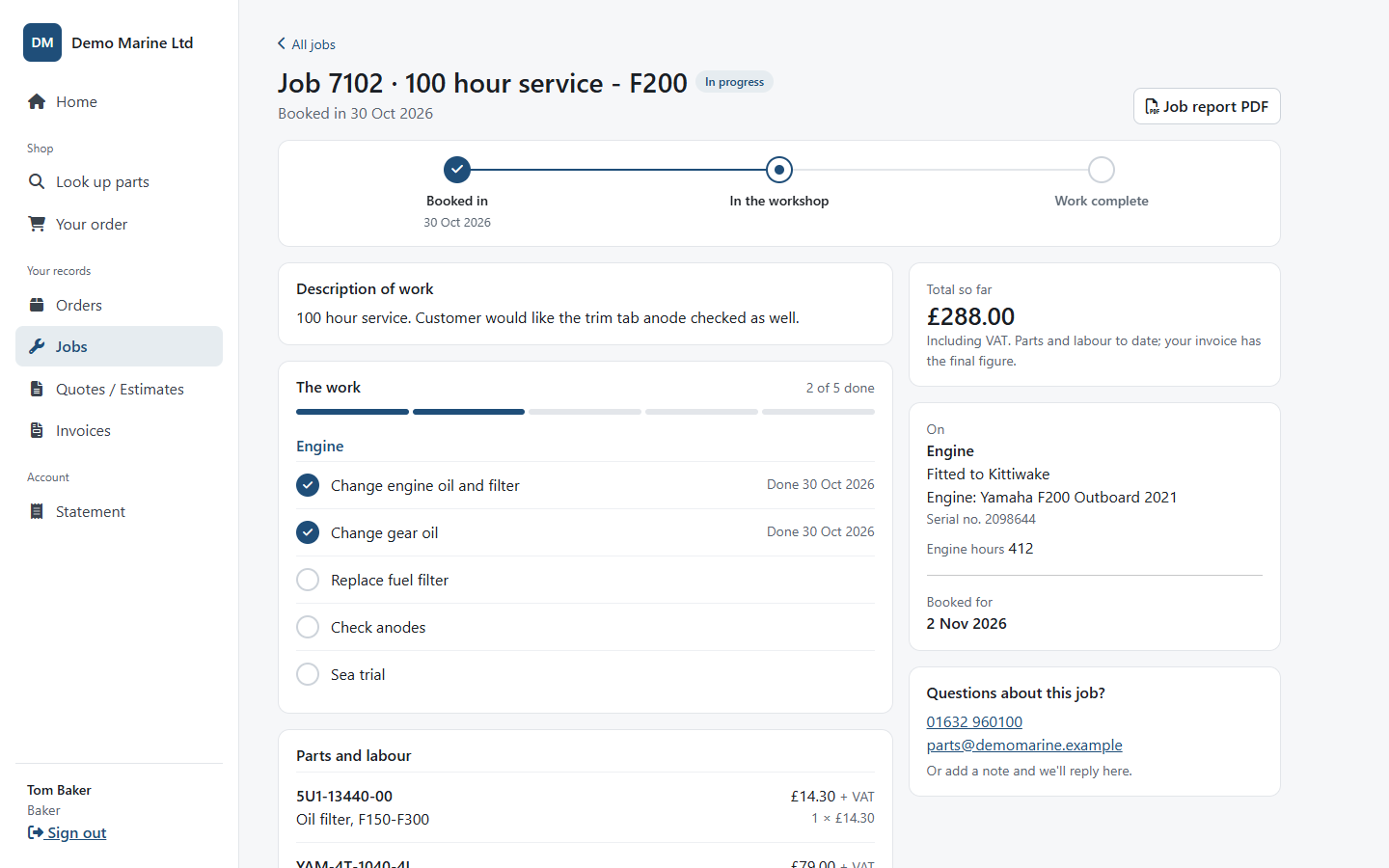
- Their balance, statement, invoices, quotes, orders and jobs, with the PDFs
- Look up a part to see their price and whether it's in stock
- Place orders, which reach you as ordinary sales orders
- Follow an order to dispatch and tracking, and a job through the workshop
- Your colour, welcome message, opening hours and announcements
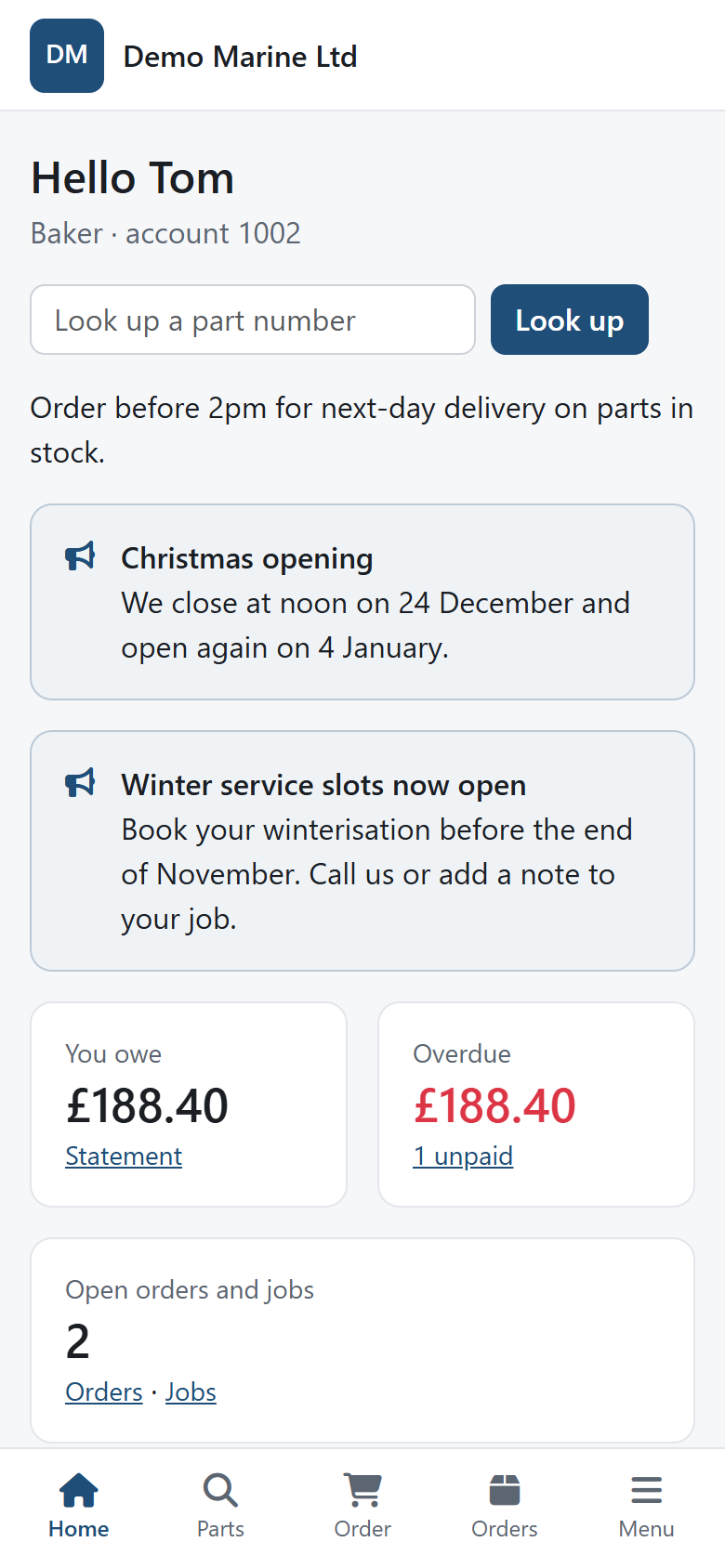
MRP
Material requirements planning: know what your open orders and jobs need, and when to order it.
- Parts needed by day, week or month, against stock and what's on order
- Order-by dates from supplier lead times
- Suggested purchase orders for each supplier, in whole packs
- Assemblies planned as build orders and booked on the calendar
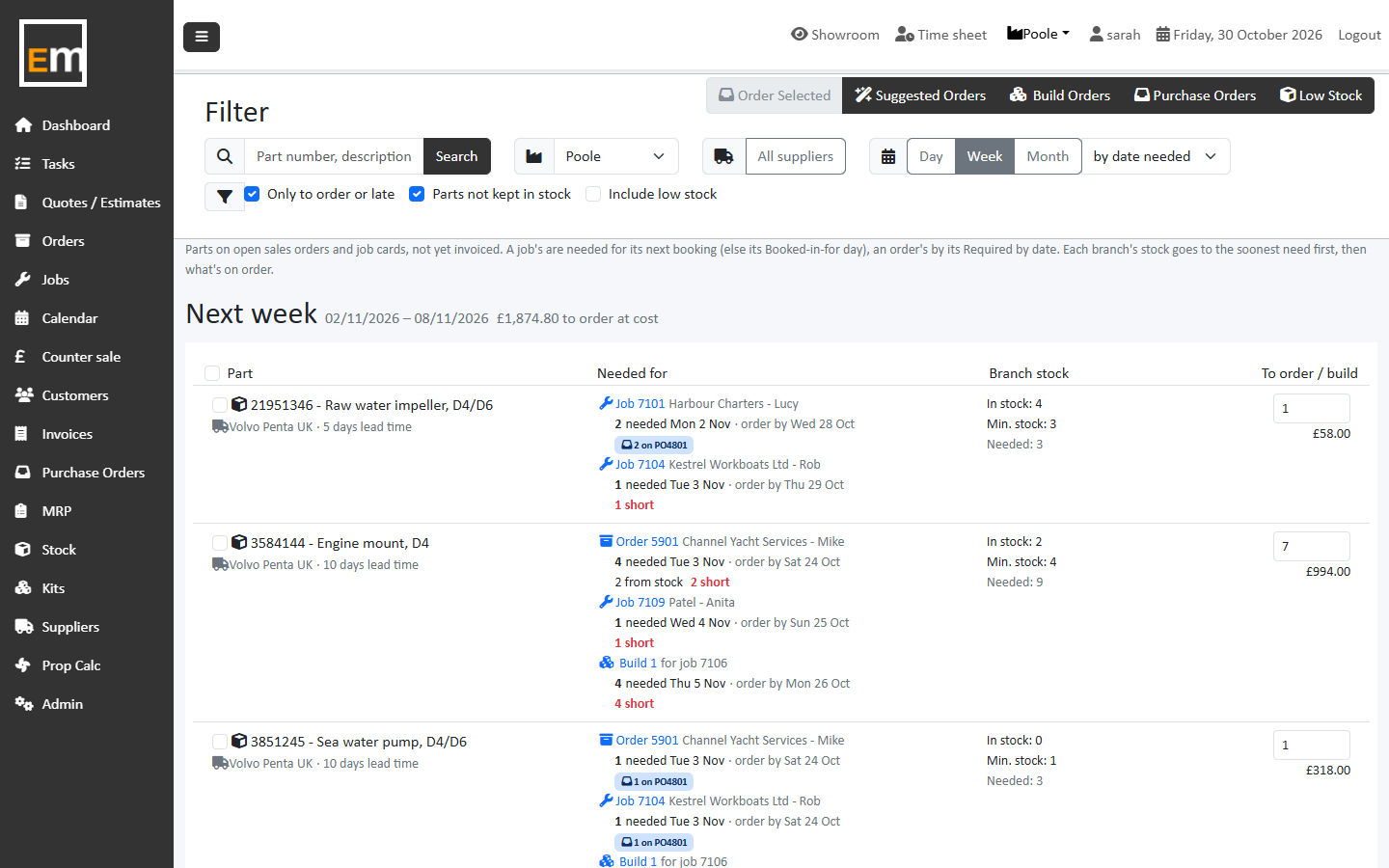
Prop Calc
Propeller and waterjet sizing, built in to Enquiry Manager.
- Propeller size, speed and performance from the boat and engine
- Waterjet sizing too
- Save calculations, on a customer if you like
- A customer sheet on your letterhead
- A guide, to be checked by a propeller manufacturer before ordering
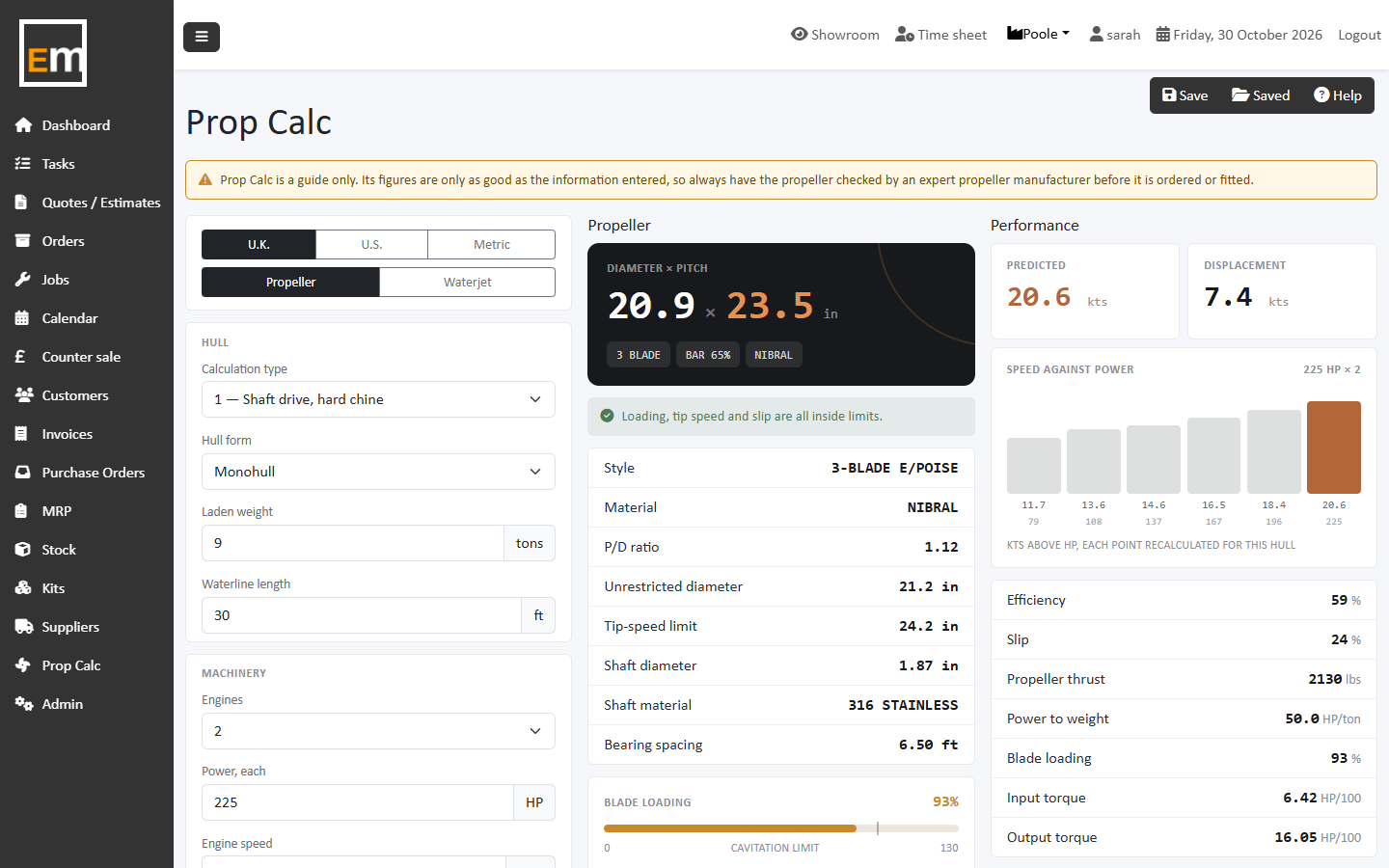
Claude connector
Your staff connect their own Claude to Enquiry Manager and ask it to look things up and get work done.
- Look up customers, parts, quotes, orders, jobs and tasks
- Add and change quotes, orders, jobs and purchase orders, priced by Enquiry Manager
- Raise invoices and email documents, asking you first each time
- Each person signs in with their own login, and Claude can only do what they can do
- Admins choose what Claude may do, and every change is noted on the record
More features
Time sheets
- Time sheets by type, with time booked to jobs
- Time reports and analysis by user and month
- Email any document from its print preview
- Your own email signature, with your logo
- Add contacts from the customer's address book
Your business
- Several branches
- Users and roles
- Your own document layouts and house style
- A full audit trail of stock and money
- For businesses registered for VAT or not
Questions about a feature, or something you need that isn't listed?
Contact us